iOS app
Launched is now on the App Store.
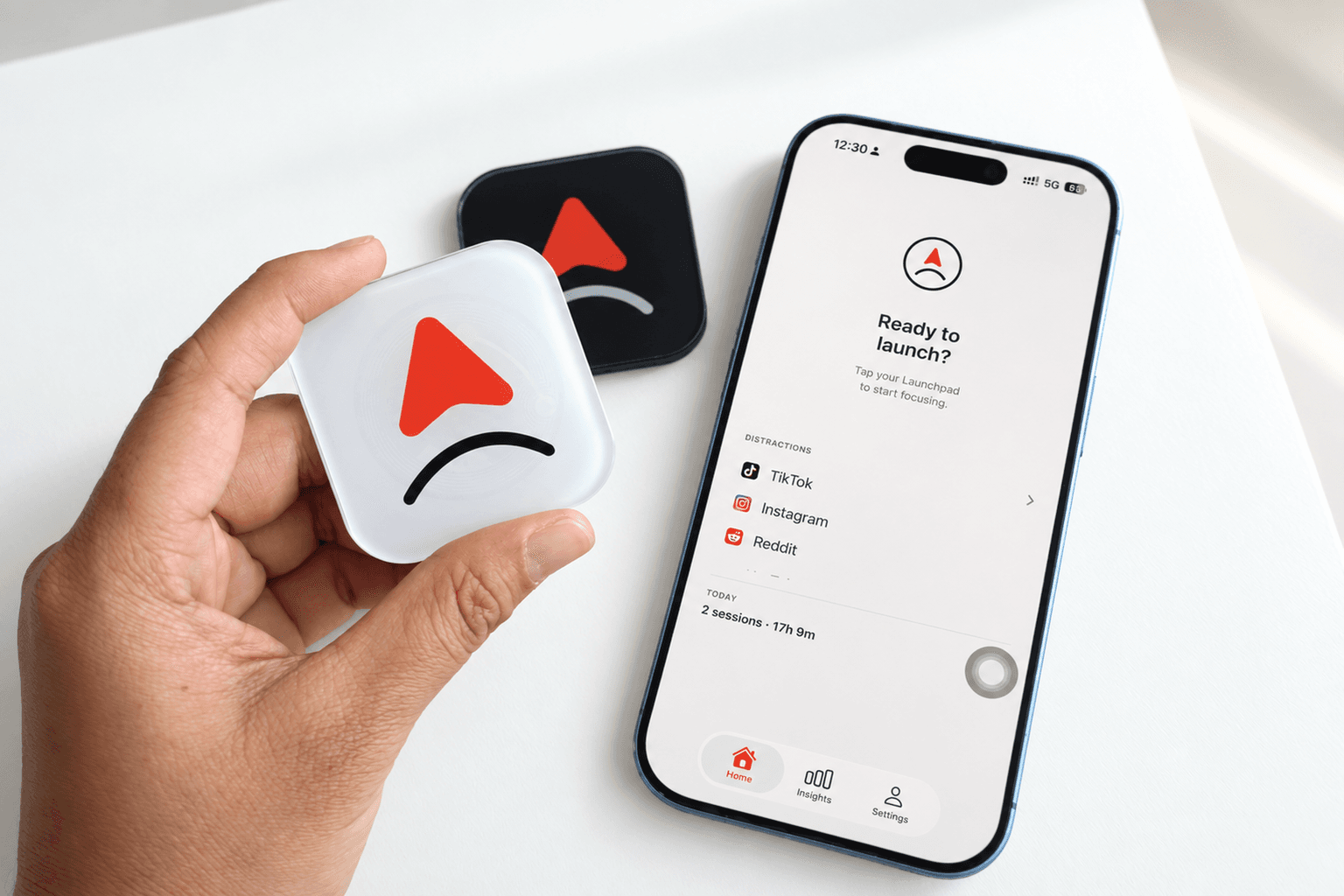
Use the app to choose the distracting apps you want to shield. Use Launchpad to start and end focus with a physical tap.
Scan with your iPhone camera.
Setup
The app sets the rules. Launchpad starts the session.
- Download LaunchedInstall the iOS app from the App Store.
- Choose your appsSelect what you want to shield during focus.
- Tap LaunchpadTap your iPhone to start, then tap again when you are ready to return.